Researched · maker support pages and a dealer’s wobble guides compared, not hands-on
Standing desk wobble almost always comes down to loose bolts, a leveling foot that isn’t touching the floor, or legs running near full extension. Lower the desk, tighten the leg bolts, the crossbeam and the top, then level the feet.
That order is Progressive Automations’, a company that makes lifting columns. A little flex near the top that fades as you lower the desk is normal. Rocking with the desk lowered isn’t.
Lower the desk, grip a leg and press opposite corners, then match what you notice to a row below.
| What you notice | Check first | Go to |
|---|---|---|
| Wobbles or rocks even when lowered | Leg-to-crossbeam bolts, then the feet | Five checks |
| Slight sway only near full height | Probably normal; see how close to the top you run | Normal or not |
| Rocks from corner to corner | A leveling foot off the floor | Check 4 |
| Clunks while the desk moves | Loose bolts | Clunk when moving |
| Bounces on carpet, or the monitor shakes more than the desk | Floor, load, monitor arm or keyboard tray | Other causes |
| Still wobbles with every bolt tight | Frame design or a faulty part | When tightening fails |
After a wobble board or stool instead? See our best balance boards and stools for standing desks.
On this page · 9
Is some standing desk wobble normal?
A little, yes. Progressive Automations calls slight lateral flex at maximum height normal, as long as it shrinks clearly when you lower the desk.
BTOD, an office furniture dealer that runs its own wobble tests, says every standing desk is steadiest at sitting height. That’s around 30 in., and it gets less stable the higher it goes.
What isn’t normal, per Progressive Automations: wobble with the desk low, rocking while you type, a clunk as it moves, or a gap at a bracket joint. All point to loose fasteners.
Why does it wobble more at max height?
The leg sections overlap less as they extend, Evetech explains, so the column works like a longer lever. BTOD says overlap “makes or breaks front-to-back stability at tall heights.”

Tall users feel it most, since they run the desk near its top. For a rough figure, multiply your height by 0.63. That’s an average from Drillis and Contini’s body-proportion data, so measure your elbow height for your own number; our standing desk height guide shows how.
Say you’re 6’2″. That gives 46.6 in. (118 cm), just 2.1 in. under the top of an UPLIFT V3. The chart shows how much room five desks leave, with iMovR’s two Lander generations as separate bars.

| Desk | Top height | Room left at 5’8″ (42.8 in.) | Room left at 6’2″ (46.6 in.) |
|---|---|---|---|
| UPLIFT V3 | 48.7 in. | 5.9 in. | 2.1 in. |
| FlexiSpot Comhar Pro Q8 | 48.8 in. | 6.0 in. | 2.2 in. |
| VIVO DESK-EV02RB | ~50.1 in. | 7.3 in. | 3.5 in. |
| iMovR Lander (Classic) | 48.75 in. | 6.0 in. | 2.2 in. |
| iMovR Lander 2.0 | 49.125 in. | 6.3 in. | 2.5 in. |
| Autonomous Desk Pro AI | 53.5 in. | 10.7 in. | 6.9 in. |
No maker publishes how much overlap a leg needs, so read the table as a direction, not a ranking. If you work within a couple of inches of the top, tightening won’t add overlap; a taller frame will.
Standing desk wobble fix: five checks in order
Lower the desk to sitting height first. Progressive Automations warns against tightening at full extension, because the legs are under tension.
Unplug it too, so nobody presses the keypad while your hands are under the frame (our precaution, not a maker’s).

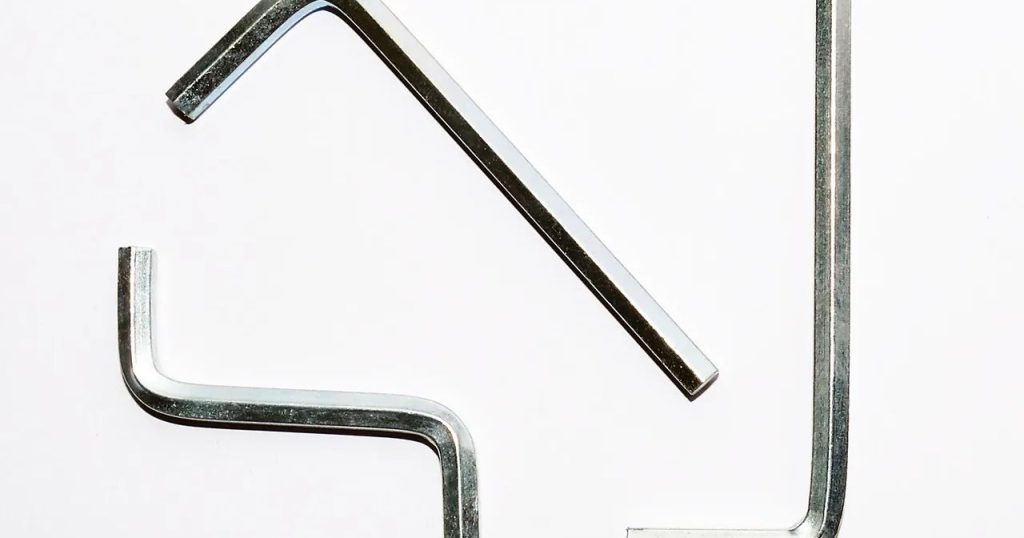
- Leg-to-crossbeam bolts. This is the main structural joint, so it goes first. Progressive Automations, FlexiSpot and Evetech don’t publish a torque figure. Progressive Automations says to tighten firmly with the included Allen key and stop if the resistance suddenly changes. Go a quarter turn past snug only if your desk’s manual says so; otherwise ask the maker.
- Crossbeam lock screws. On a width-adjustable frame, the screws that fix the crossbeam’s length need to be fully tight. A beam that can still slide lets the legs move.
- Tabletop screws. Snug them from underneath. Progressive Automations says these can back out a little in the first few weeks of use.
- Leveling feet. Push down on opposite corners. If a foot lifts, turn its glide until all four corners touch evenly, which is FlexiSpot’s method. Evetech says even a millimeter of difference leaves one corner unsupported.
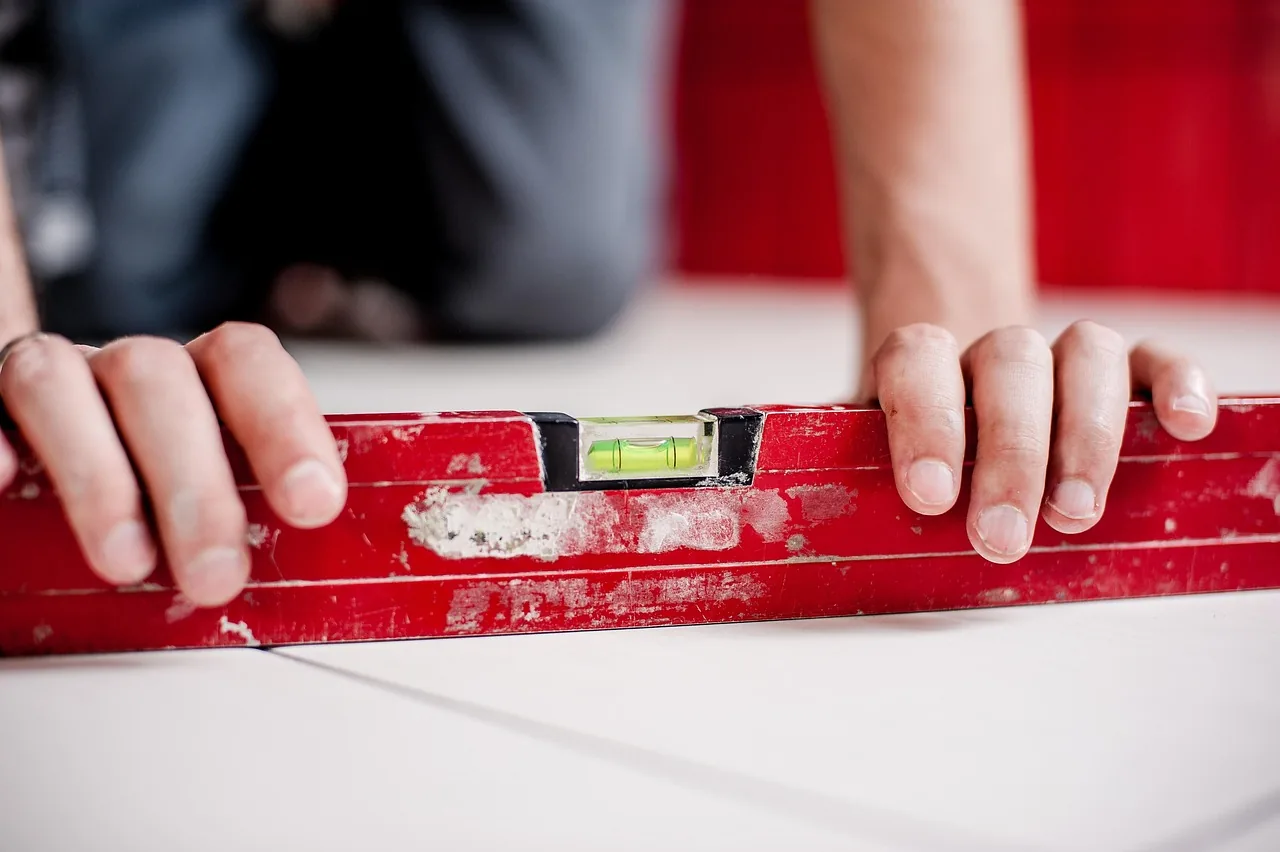
- Floor and load. Lay a spirit level on the floor under the desk, front to back and side to side. FlexiSpot’s UK guide flags floors out by as little as 1–2 mm (0.04–0.08 in.). Then move heavy gear toward the legs.
Done when the desk no longer rocks when lowered and no corner lifts when you push it. Any sway that’s left should only show up near the top of the range.
Say the desk rocks when you press the front-left corner and stops when you press the back-right. That’s a foot off the floor, so check 4 fixes it and the bolts can wait.
How often should you retighten the bolts?
Do one pass two days after assembly, another after a few weeks, then one every six months. FlexiSpot’s UK guide says 48 hours, then six months; Progressive Automations and FlexiSpot’s US blog point to the first few weeks, when parts settle.
Why does the desk wobble or clunk when it moves?
Usually it’s loose hardware. Progressive Automations lists a clunk during height changes as a sign of loose fasteners. Evetech and BTOD both say the movement itself shakes bolts loose over time.
Say the knocking started three weeks after you built the desk. That fits parts settling, so run the five checks again before you blame the motors.
If the noise survives a full pass, film the desk while it moves. A desk that won’t move at all needs a reset, not a wrench.
Other standing desk wobble causes and solutions
| Symptom | Likely cause | What to try |
|---|---|---|
| Bounces on carpet | Glides sink into thick pile and act like a spring | Put a firm mat or board under the feet |
| Monitor shakes more than the desk | Heavy or long monitor arm | Pull the screen closer to the clamp and tighten the arm’s joints |
| Keyboard bounces, desktop doesn’t | The keyboard tray flexing | Check the tray’s mount and its weight rating |
| One side feels less stable | Uneven weight on the top | Move heavy gear over or between the legs |
| Edges flex | Desktop much wider than the frame | Keep heavy items off the overhang |
| Twists or sways sideways | No fixed crossbar, or a loose expandable one | Tighten the crossbeam; see when tightening fails |
| Extra play on a mobile desk | Casters | Lock the casters before anything else |
Say you run two 27-inch monitors on a dual arm, and the screens keep shaking after the desk has stopped. The desk may be fine; the arm is the lever. An arm’s clamp also has to close on bare desktop inside its thickness range, which our monitor arm guide charts.
No keyboard tray maker publishes a flex figure, so the weight rating and the mount are the only clues; our keyboard tray guide compares both.
Measure the sway with your phone
“It feels better” is hard to trust. A phone accelerometer gives you a repeatable before and after; only compare runs made on the same desk with the same phone.
- Install an app that records raw accelerometer data. phyphox, a free app from RWTH Aachen University for Android and iOS, is one option.
- Lay the phone flat on the desktop, right above one leg, with the same load on the desk for every run.
- Start recording, wait two seconds, then give the front edge one flat-hand tap at the same spot with about the same force.
- Note the highest peak after the tap and how many seconds pass before the line goes flat.
- Repeat at sitting height and at your standing height, before and after each fix.
Done when each fix has a sitting and a standing row.
| Run | Height | Peak after tap | Seconds to settle |
|---|---|---|---|
| Before any fix | Sitting | ||
| Before any fix | Standing | ||
| After tightening | Sitting | ||
| After tightening | Standing | ||
| After leveling | Standing |
Say tightening shortens the settling time but leveling changes nothing. Then the bolts were the problem, and the feet were fine all along.
Sitting against standing tells you which kind of wobble you have. Present at both heights points to fasteners or feet. Only at height points to leg overlap; see why it wobbles more at max height.
When tightening does not fix it
Still wobbling after you’ve tightened the bolts, leveled the feet and lowered the desk? Contact support while you’re still inside the return window; the maker’s returns page gives the length. Progressive Automations says a desk that wobbles at sitting height with every fastener tight may have a structural fault.
Some causes are built into the frame, and no wrench reaches them. BTOD names three:
- No fixed crossbar and no wedge system inside the legs, so each leg moves on its own.
- An expandable crossbar that adds play of its own.
- Loose glides inside the leg, or glides at one end only, which leave play between the inner and outer sections.
BTOD adds that padding under a foot won’t fix a frame that lacks stability by design.
To see what yours has, look under the desktop. One solid beam bolted to both legs is a fixed crossbar; two tubes sliding into each other make an expandable one. If only the desktop joins the legs, there’s no crossbar.
Load can matter too. Evetech notes that a light frame carrying a heavy load may simply be underbuilt. Count the top first, because it rides on the motors like everything else.
Say you put UPLIFT’s 60 x 30 in. walnut wide-plank top on a V3. At UPLIFT’s 6.6 lb per square foot, the top weighs 82.5 lb (37.4 kg). The V3’s 355 lb rating includes the desktop, so 272.5 lb (123.6 kg) is left for gear.
Before you call or email, have these ready:
- Brand, model and frame version from the label on the frame or the order
- A short video of the sway with the desk low and at your standing height
- What you tightened and leveled, and your before-and-after log
- Floor type, and roughly what sits on the desk
Ask before you drill or add parts to the frame, and read the warranty terms first.
Prevent it, or choose a steadier desk
- Keep the PC tower and other heavy gear over or between the legs, not on the overhang.
- Don’t run the desk higher than you actually stand; a lower setting keeps more leg overlap. The height calculator gives you the number.
- On carpet, keep a firm board or mat under the feet.
Shopping for a desk that wobbles less? Look for a fixed crossbar that bolts in; BTOD calls the cross support one of the most overlooked parts. Then pick a range whose top sits well above your standing height.
Our best standing desks guide charts each desk’s listed lowest and highest setting, so you can see how close to the top a desk would sit at your height.
Say you’re 6’2″ again. The Autonomous Desk Pro AI leaves 6.9 in. of room at your height, against 2.1 in. on the UPLIFT V3, so its legs stop well short of full extension.
FlexiSpot says three-stage legs overlap more at tall heights, but it sells them, so treat that as a maker claim.
No maker publishes a wobble figure. BTOD scores desks on its own WobbleMeter, but it sells desks. Its stable-desk list also covers older models such as the UPLIFT V2 Commercial, not the desks in the chart.
Four legs are the other route. The Gadgeteer found FlexiSpot’s four-leg E7 Plus steadier than any two-leg desk its reviewer had tried, and GameRevolution credited the four legs with less wobble. Our best 4-leg standing desks covers the options, and six specs that matter covers the rest of the spec sheet.
FAQ
Can you add a crossbar to a desk that does not have one?
Evetech calls a crossbar the most effective hardware fix once the bolts and feet are done. BTOD warns that expandable bars can add play, so a fixed one is better. Ask your desk’s maker which part fits before you drill the frame.
Does a dual motor desk wobble less?
Not by any published figure. No maker spec ties stability to motor count, and BTOD’s six causes cover bolts, moving parts, crossbars, wedges and glides, not motors. FlexiSpot recommends dual motors, but it sells them. Our single vs dual motor guide covers what the second motor does change.
How do you fix a wobbly standing desk without tools?
Level the feet by hand, move heavy gear over the legs, lower the desk an inch or two, and use a firm board on carpet. Bolts still need the Allen key.
What if the desk has wheels?
Lock the casters before you test, then run the same checks. Casters can add play of their own, and our guide to standing desks with wheels covers that.
Data sources
- Progressive Automations — How to reduce wobble after assembly (tightening sequence) (viewed October 12 and November 1, 2026)
- FlexiSpot — Why standing desks wobble and FlexiSpot UK — Tired of a shaky standing desk? (April 21, 2026) (viewed November 1, 2026)
- Evetech — How to stop a standing desk from wobbling at full height (July 1, 2026; viewed November 1, 2026)
- BTOD, an office furniture dealer that sells desks: 6 reasons why adjustable standing desks wobble (April 17, 2026) and most stable standing desks (July 21, 2026) (viewed November 1, 2026)
- BTOD — What is WobbleMeter (February 10, 2026; viewed November 1, 2026)
- UPLIFT — Standing desk reset, stability, & troubleshooting (viewed October 12, 2026) · phyphox (viewed November 1, 2026)
- Load example: UPLIFT V3 page (355 lb including desktop, viewed November 1, 2026) and UPLIFT desktops (walnut weight per square foot, viewed October 12, 2026)
- Four-leg reviews: The Gadgeteer, FlexiSpot E7 Plus review (May 2, 2024) and GameRevolution via AOL (August 20, 2026)
- Height ranges in the chart: UPLIFT V3 frame spec sheet, FlexiSpot Comhar Pro Q8, VIVO DESK-EV02RB, iMovR Lander (Classic and Lander 2.0 spec blocks, viewed November 7, 2026), Autonomous Desk Pro AI (maker pages, viewed October–November 2026)
What changed: November 7, 2026 — We corrected the iMovR Lander height to its two listed generations, added a load example and four-leg notes, and noted BTOD’s wobble scores.